
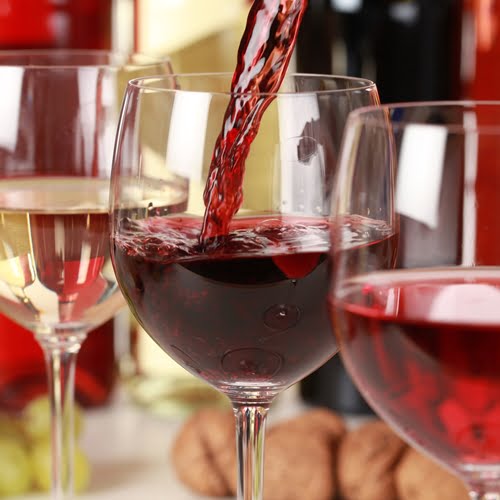
How much information is too much for wine labels?
There’s a new effort underway to add more information to wine labels, but can this be done without making the consumer dizzy?

Where the finest products along with everything you need for “do-it-yourself” label printing are just a click away.
Call Now: +1-866-299-0066 or Live Chat

Selecting the best label printer could help you save time, energy as well and money, all while improving the appearance of your labels than they have ever had. No matter if you are working at a factory, managing a retail store or just need to arrange your home kitchen, Label printers of today are cost-effective, flexible and easier to use than they have ever been. This blog focuses on how any person could improve their workflow for labelling and how there are a variety of options.

Labels go beyond stickers. They’re the silent aids to your business. They aid in keeping products separated in a secure way, packaging safe, and items organised. If you’re an instructor labelling books, or parents who keep lunchboxes organised, or a warehouse administrator keeping track of the inventory, precise and sturdy labels make a considerable impact.
Desktop label printers are an ideal choice for small-scale businesses or home offices, as well as those who label frequently. They fit comfortably on desks, and create labels for documents or folders, cosmetics and much more. Most popular models include Brother’s Label printers, P-Touch, and Citizen, well-known for their ease of use and dependability.
If you require a lot of labels in a short time–perhaps for your manufacturing line or warehouse that is busy, an industrial thermal printer can help you out. It’s specifically designed to handle high volumes of work as well as long working hours. It’s capable of printing hundreds of thousands of labels with no problem.
Do you need to print labels exactly in the location where they’ll be utilised? Mobile printers allow you to print labels wherever you want. Warehouse workers can use these printers to label products placed on the shelves, while event planners can print badges right on the spot. Mobile units made by Zebra as well as SATO are quick, do not require cords and can reduce the amount of time wasted.
The best label printer is not just about cost; it’s also about matching the printer to your requirements.
These questions can help to choose between desktop, industrial, or mobile choices.
Many businesses require labels with waterproof properties. Think of shampoo bottles, food containers and laboratory samples. Make sure your printer supports the use of waterproof labels and thermal transfer ribbons to add toughness.
Printers that use thermal transfer utilise the ribbon as opposed to ink. The result is that labels are tough and durable. Ribbons for thermal transfer are essential in printing barcodes, product tags, as well as iron-on labels for clothing machines.
A digital finisher for labels can help companies design custom designs and cut-outs that are ideal for creating branding. Crafts, cosmetics, as well as custom-designed packaging can all benefit from this tool that allows you to be noticed with the precision of your cut labels.
Magnetic label tape can be used to make removable labels for whiteboards, shelves, or toolboxes. It’s popular in workshops, classrooms, and warehouses.
To purchase bedding, clothing and footwear, search for iron-on and label maker equipment that works using fabric tags. They can withstand wear and washing.
Printer Type |
Best For |
Key Features |
Example Brands |
|
Desktop Label Printer |
Homes, Small Businesses |
Easy to use, portable |
Brother, Citizen |
|
Industrial Thermal Label Printer |
Warehouses, Factories |
High-volume, durable output |
Zebra, Epson, GoDEX |
|
Mobile Label Printer |
Warehouses, Events, On-the-go |
Portable, wireless options |
Zebra, SATO, GoDEX |
|
Digital Label Finisher |
Cosmetics, Crafts, Branding |
Custom shapes, professional cuts |
Afinia, DuraFast |
|
Iron On Clothing Label Maker Machine |
Apparel, Shoes |
Fabric tags, wash-resistant |
Brother, Epson LX500 |
|
Conference Badge Printer Machine |
Events, Meetings |
Fast badge printing, on-site use |
Zebra, SATO |
|
Machine Label Applicator |
Manufacturing, Warehouses |
Automatic application, speed |
Epson, GoDEX |
|
Label Maker Magnetic Tape |
Teaching, Warehousing, Tools |
Removable, reusable labels |
Brother P-Touch |

A thermal transfer ribbon is an uncoated or waxed strip that is used by the thermal printer. The material melts on the label, creating labels that are durable and waterproof. It is ideal for products that are exposed to heat or water, such as fabric tags and cosmetic packaging.
Desktop label printers are made for small-to-medium-volume tasks, making them ideal for office or home use. Industrial thermal printers are more powerful, quicker and designed to work in high-volume industrial environments such as factories and warehouses.
Yes! Label printers are available, such as GoDEX or Brother or GoDEX, that print on the waterproof material or thermal transfer ribbons that allow the printing of waterproof labels right from your computer.
Digital label finishers are one of the machines that cut and form labels following printing. You can create fancy cut-outs or designs that can be useful to businesses that need custom labels to be applied to their items.
Absolutely. The iron-on label maker for clothing is designed specifically for garment tags. A lot of Brother label printers are compatible with labels that are iron-on, which means you can design customised laundry-proof labels in your office or at home.
The conference badge printers allow organisers to print names and passes at the touch of a button. They’re reliable, fast they make your event smoother, particularly for managing guests.
Machine label applicators automatically place labels on items such as boxes, containers, or other packaging. It’s quicker and more reliable when compared to hand-applying labels, increasing the efficiency of busy warehouses and factories.
The Brother P-Touch label printers are multi-functional, and can work with various kinds of tapes, such as magnetic or iron-on. They’re simple to operate and are a popular choice among schools, homes, as well as small-scale businesses.
If the labels you have are damaged, worn, or printed incorrectly, follow these methods:
The process of upgrading your labelling game doesn’t need to be costly or complex. You can find the perfect label printer available, whether you require the strength of a mobile device, industrial strength or just a basic desktop option. With options like thermal transfer ribbons, digital finishing of labels, as well as iron-on clothing labels, everybody can create labels that are durable and appear professional.
Consider your options, determine which one is best for your particular workflow. Then, choose a device which brings clarity and reliability to the labelling process. To take a deeper look into printers for labels and other alternatives, DuraFast Label Company has numerous resources and items that can help improve the process of labelling without stress, and provide higher profits.
There’s a new effort underway to add more information to wine labels, but can this be done without making the consumer dizzy?
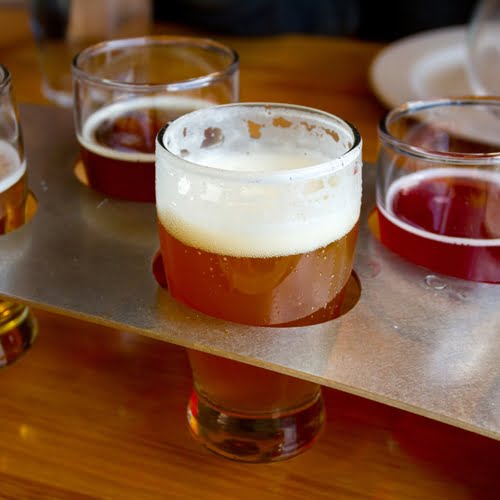
Bud Light has rolled out a new series of creative labels with messages to customers.
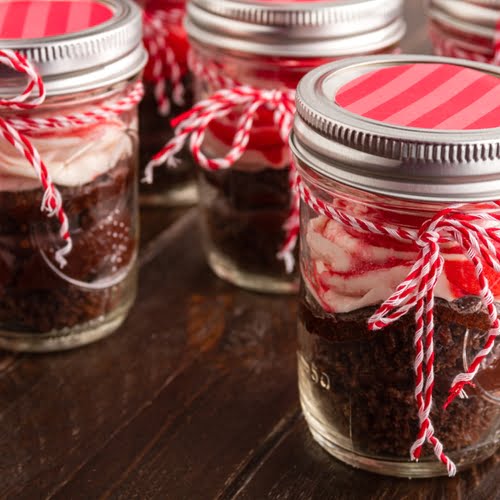
Producers of consumer goods like specialty foods, wine, beer and processed ingredients may use this time of year to put holiday promotions on the shelves.

For companies in the food and beverage industries, there is some evidence that consumers respond well to positive nutritional claims.